In July 2026, four administrator accounts appeared overnight on a WordPress site hosted on one of our servers. None of us had created them, and neither had anyone on the client's side.
They had names like w2s_ followed by a string of hexadecimal characters, and email addresses ending in @wp2shell.local. An attacker had set them up to get the keys to the admin panel.
What happened
According to the logs, the attack came from Google Cloud IP addresses. The attacker tried to upload a "webshell" plugin, a back door that lets you send commands to the server from a browser. The upload failed.
The same IP had also probed a dozen other domains on the same server. It was sweeping the lot, looking for an open door.
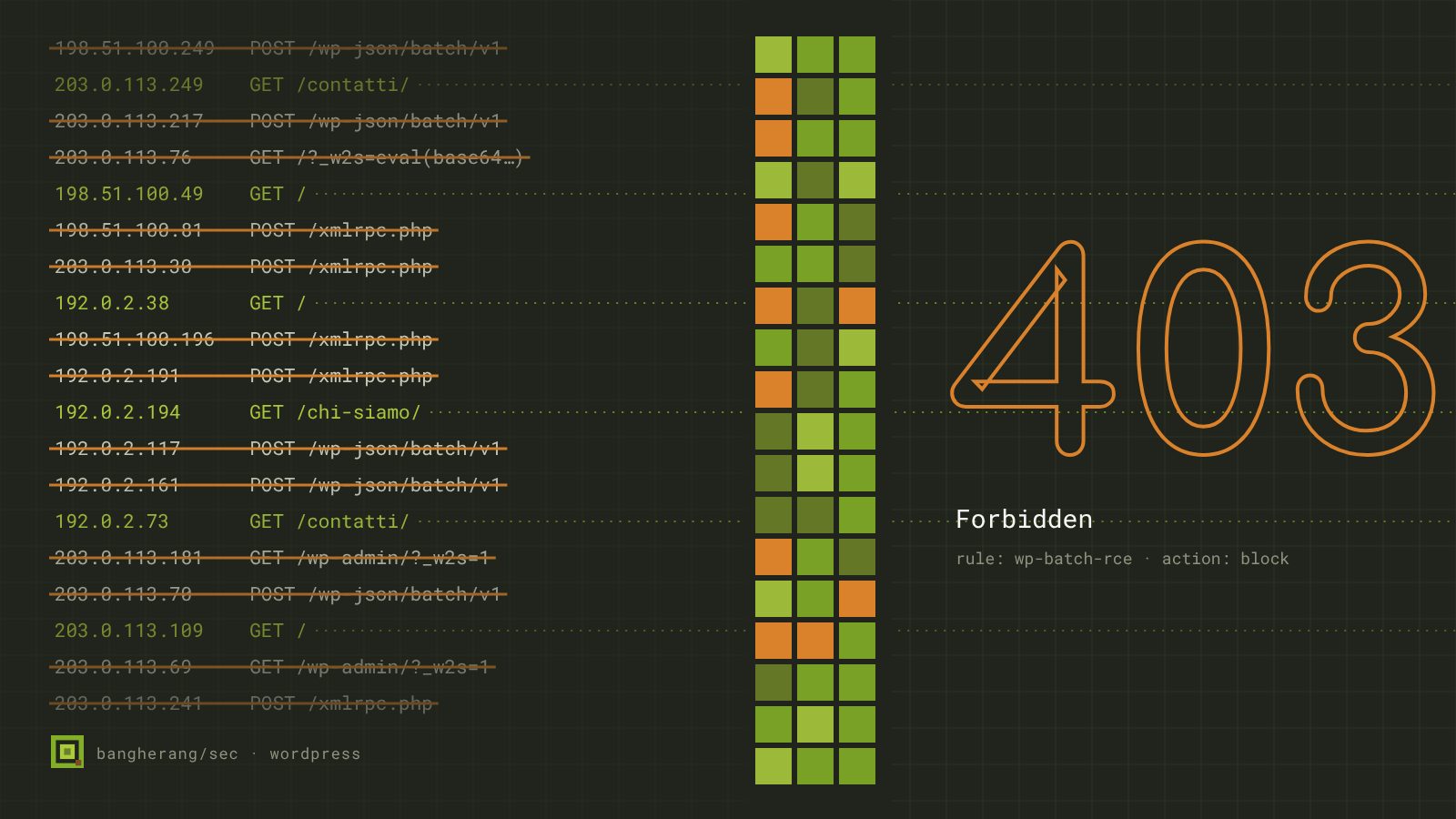
Over the same days we saw bursts of requests to the REST endpoint wp-json/batch/v1, the WordPress address that lets you bundle several operations into a single call. They came from around twenty different IPs.
What we did
- Removed the intruders. We deleted the four accounts.
- Checked every database on the server. We looked for those accounts site by site. No other site had them.
- New keys. We treated the secret keys stored in the site as compromised and regenerated them. If the attacker had read them, they are now useless.
- Blocked the IPs. The addresses involved can no longer get in.
- Server-wide rules. We wrote ModSecurity rules, the web application firewall running on the server, covering every site. They block the attack's signature, the
_w2sparameter, and the batch endpoint.
For a single site, the same idea can go in the .htaccess file. This rule refuses any request carrying the _w2s parameter with a 403 error:
RewriteEngine On
RewriteCond %{QUERY_STRING} (^|&)_w2s= [NC]
RewriteRule ^ - [F,L]
On the server we put it in at ModSecurity level. That way it also covers sites created later, and those where nobody would remember to touch the .htaccess.
The lesson: look at the whole server
Faced with a breached site, the temptation is to fix that site and close the ticket. But the same IP had tried a dozen domains on the same server, and attacks like this run automatically against everything they can find.
So when we find an intrusion on one site, we check every database and every site on the machine, and we write the countermeasures for all of them. If one site was vulnerable, its neighbour may be vulnerable in exactly the same way.
What WordPress site owners can do
- Look over the list of administrators now and then. A name you do not recognise is an alarm worth taking seriously.
- Keep WordPress, themes and plugins up to date, and remove plugins you no longer use.
- Ask your host what happens to the other sites on the same server when one of them is attacked.
That last question is the one people ask least. If the answer is "we'll fix yours", it is worth pushing a little further: on a shared server, every site's security also depends on its neighbours'.